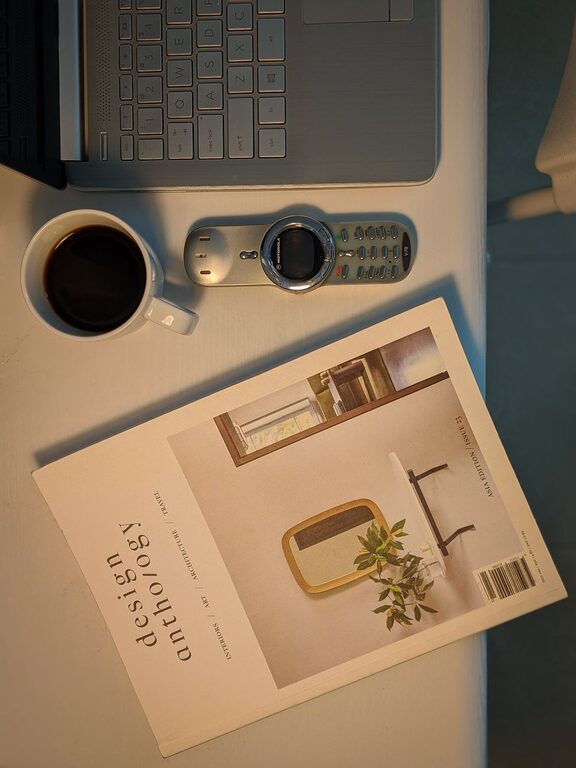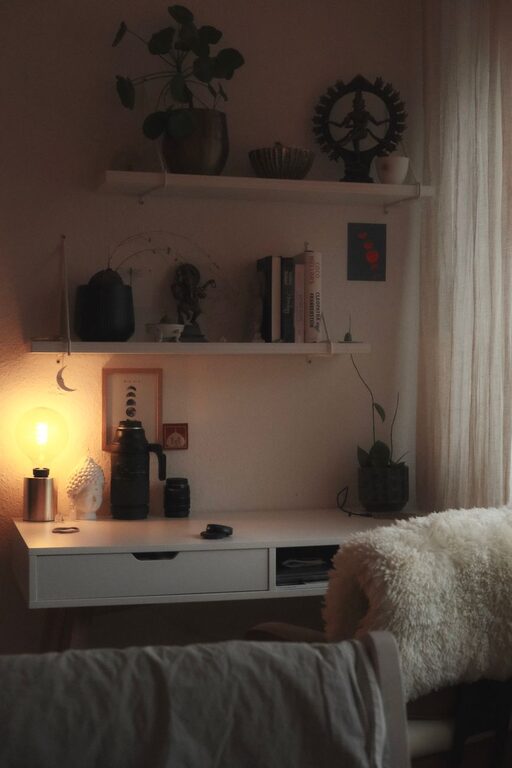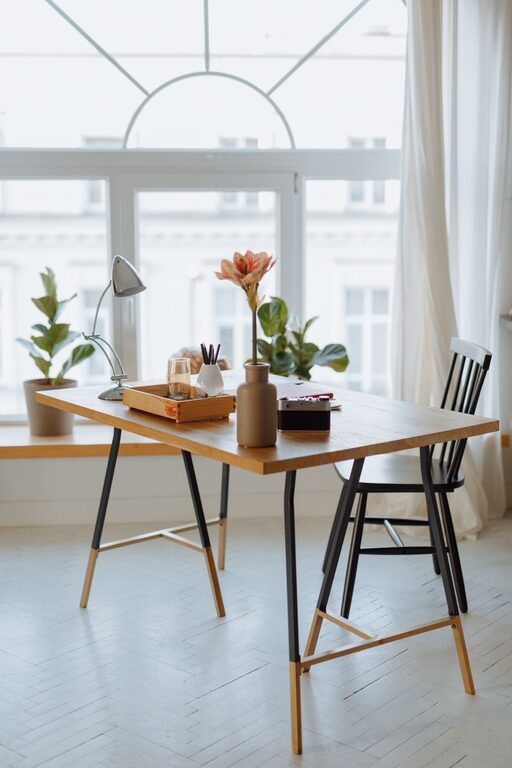
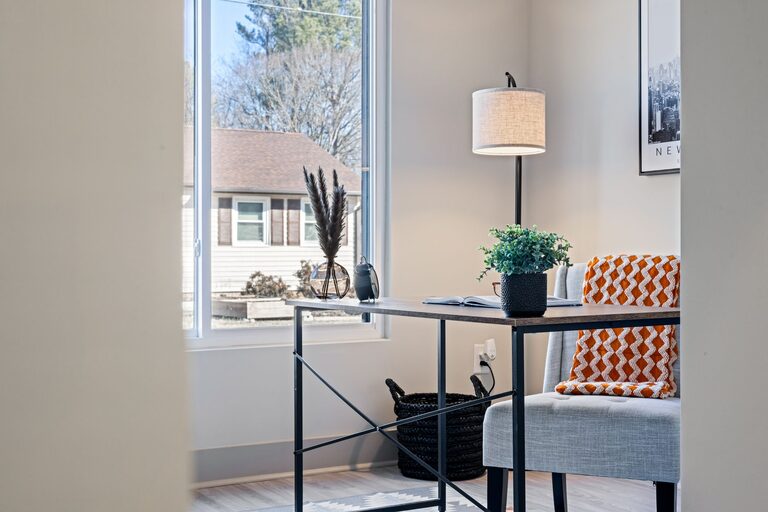
Creating a cozy and inviting home workspace is essential for staying motivated, focused, and comfortable throughout your workday. Whether you’re working remotely full-time or need a quiet corner for occasional tasks, an appealing and functional setup can make a big difference in your productivity and overall well-being. This guide offers practical tips to help you design a home workspace that feels welcoming and supports your workflow.
Choose the Right Location
Selecting the best spot in your home for a workspace is the first step toward creating a comfortable environment.
– Pick a quiet area: Find a space with minimal noise and distractions to help maintain focus.
– Natural light benefits: Set up near a window if possible; natural light can improve mood and reduce eye strain.
– Consider privacy: Make sure the space allows some privacy, especially if you have family members or roommates.
Invest in Comfortable Furniture
Comfort and ergonomics play a crucial role in a productive workspace.
– Ergonomic chair: Choose a chair that supports your posture and provides good back support.
– Desk options: Pick a desk that suits your work style and size requirements. Height-adjustable desks are ideal for switching between sitting and standing.
– Footrest: Adding a footrest can help improve circulation and reduce fatigue.
Personalize Your Space
Adding personal touches can make your workspace feel more inviting and less like a sterile office.
– Decorate with plants: Indoor plants not only brighten the space but can also improve air quality.
– Use art and photos: Hang artwork or photos that inspire and motivate you.
– Choose your color scheme: Incorporate colors that make you feel calm or energized depending on your preference.
Optimize Lighting
Good lighting is essential to reduce eye strain and create a pleasant atmosphere.
– Layered lighting: Combine overhead lighting with task lamps to adjust brightness as needed.
– Avoid glare: Position screens and light sources to prevent glare, which can cause discomfort.
– Warm bulbs: Using bulbs with warmer tones creates a cozy ambiance.
Organize and Declutter
A clutter-free workspace promotes focus and efficiency.
– Storage solutions: Use shelves, filing cabinets, or baskets to keep papers and supplies organized.
– Cable management: Tidy up cables using clips or sleeves to avoid tangling and distractions.
– Daily cleanup: Set aside a few minutes at the end of each day to tidy your desk.
Incorporate Functional Accessories
Small additions can enhance comfort and keep you organized throughout the day.
– Desk organizer: Keep pens, notebooks, and other essentials within reach.
– Whiteboard or bulletin board: Use these tools to track tasks, deadlines, and ideas.
– Comfort items: A cozy blanket, cushion, or wrist rest can increase comfort during long hours.
Manage Noise Levels
Depending on your environment, managing sound can help improve concentration.
– Noise-canceling headphones: Great for blocking out background noise and listening to music or white noise.
– Soft materials: Rugs, curtains, and cushions can absorb sound and reduce echo.
– Sound machines: Consider using a sound machine or app for calming ambient sounds.
Establish a Routine and Boundaries
Creating a clear routine helps separate work time from personal time, reducing stress.
– Set working hours: Define when your workday starts and ends to foster balance.
– Break reminders: Use timers or apps to remind you to take regular breaks.
– Communicate boundaries: If you share your space, let others know your work schedule to minimize interruptions.
Final Thoughts
Your home workspace should feel like a place where you want to spend time—a balance of comfort, functionality, and inspiration. By thoughtfully selecting your location, investing in ergonomic furniture, personalizing your surroundings, and maintaining organization, you can create an environment that supports both productivity and well-being. Remember, small adjustments can have a big impact on how you feel and perform during your workday. Take time to experiment and fine-tune your setup until it feels just right for you.