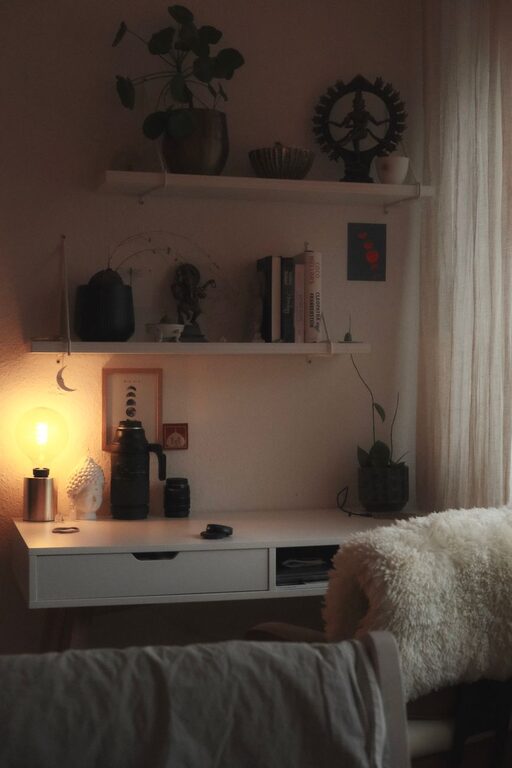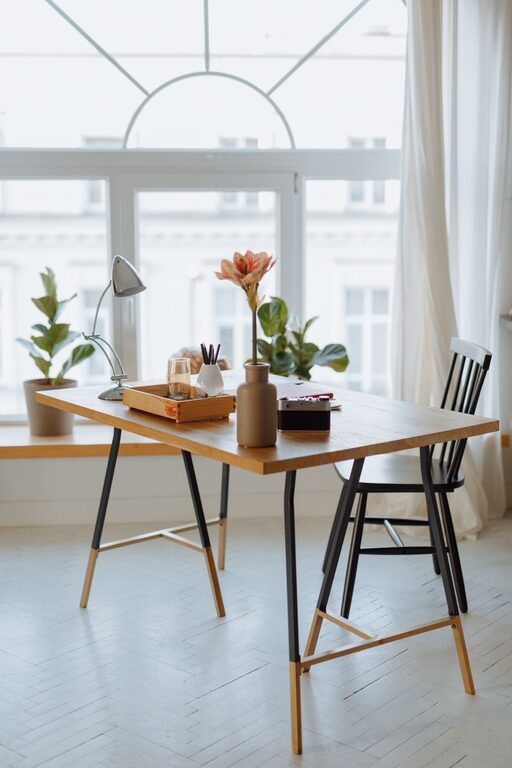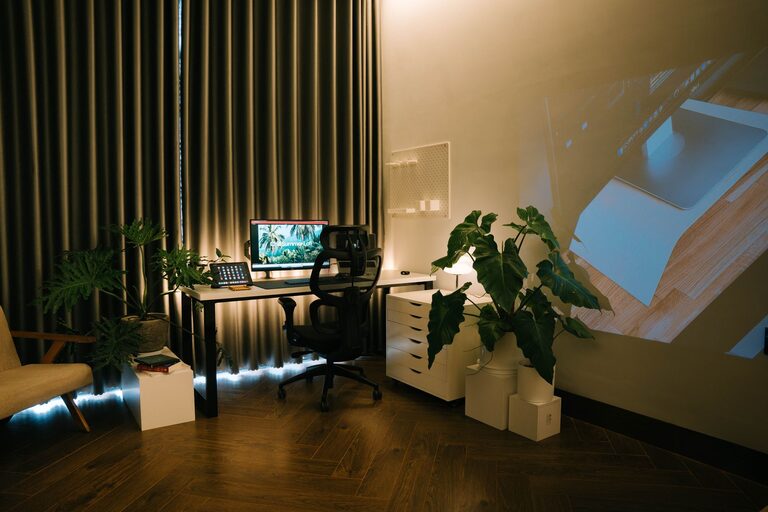

Creating a relaxing home workspace is key to maintaining focus and boosting productivity, especially when you spend a lot of time working remotely. A well-designed space can help reduce stress, increase motivation, and make work feel more enjoyable. Whether you’re setting up a home office from scratch or improving an existing area, these tips will guide you to create a comfortable and productive environment.
1. Choose the Right Location
Finding the right spot for your workspace is essential. Ideally, pick a quiet area that receives plenty of natural light. Natural light helps regulate your body clock and improves mood and alertness.
– Avoid noisy or high-traffic areas.
– Position your desk near a window if possible.
– Make sure you have enough space to move around comfortably.
2. Invest in Ergonomic Furniture
Comfort matters when you work for long hours. Ergonomic furniture supports your body and helps prevent pain or fatigue.
– Select a chair with good lumbar support.
– Use an adjustable desk or a desk at the right height.
– Consider a keyboard and mouse designed to reduce strain.
Taking care of your posture will improve focus and keep you comfortable throughout the day.
3. Keep Your Workspace Organized
A cluttered desk can quickly lead to a cluttered mind. Keeping your workspace neat helps you find things easily and reduce distractions.
– Use organizers, trays, or drawers for supplies.
– Only keep items that you use regularly on your desk.
– Develop a habit of tidying up at the end of each workday.
Organized surroundings promote calm and clear thinking.
4. Personalize Your Space
Adding personal touches to your workspace can make it feel welcoming and inspiring.
– Decorate with art, photos, or plants.
– Choose colors that make you feel calm or energized, such as soft blues or greens.
– Play your favorite instrumental music or keep a diffuser with calming scents nearby.
Personalization helps create a space where you want to spend time and encourages creativity.
5. Minimize Digital Distractions
Technology is both a tool and a potential distraction. Organize your devices and manage notifications to stay focused.
– Keep your phone out of reach or on silent when working.
– Use apps or browser extensions to block distracting websites.
– Turn off non-essential notifications during focused work sessions.
Managing digital distractions helps you maintain attention and work efficiently.
6. Incorporate Break Areas
Even in a home workspace, it’s important to take breaks and change your environment.
– Set up a comfy chair or corner nearby where you can relax during breaks.
– Use a timer to remind yourself to stand up and stretch regularly.
– Practice simple breathing exercises or short walks around your home.
Short breaks help refresh your mind and prevent burnout.
7. Control Lighting and Temperature
Your comfort depends on more than just furniture; lighting and temperature also play a role.
– Use adjustable lighting options like desk lamps to avoid glare.
– Keep the room temperature comfortable — not too hot or cold.
– Consider blackout curtains or blinds if sunlight is too harsh.
Good lighting and temperature settings contribute to a relaxing atmosphere and support productivity.
8. Set Boundaries and Create a Routine
Establishing clear work hours and boundaries will help you separate work from personal life.
– Communicate your work schedule to family or housemates.
– Create a daily routine that includes start and end times.
– Use rituals like a morning coffee or a specific playlist to signal the start of work.
A routine helps your brain know when it’s time to focus and when to unwind.
—
Creating a relaxing home workspace is about balancing comfort, function, and personal style. By setting up your environment thoughtfully, you’ll not only boost your productivity but also feel more motivated and at ease. Take the time to adjust your space, experiment with different setups, and find what works best for you. Your ideal home workspace is just a few changes away!