Creating a cozy and functional home workspace is essential for maintaining productivity and well-being while working from home. Whether you work remotely full-time or just need a dedicated area for occasional tasks, a well-designed workspace can make a significant difference in your focus and comfort.
In this post, we’ll explore practical tips to help you set up a home office that feels inviting and supports your daily work routine.
Choose the Right Location
Consider Natural Light and Noise Levels
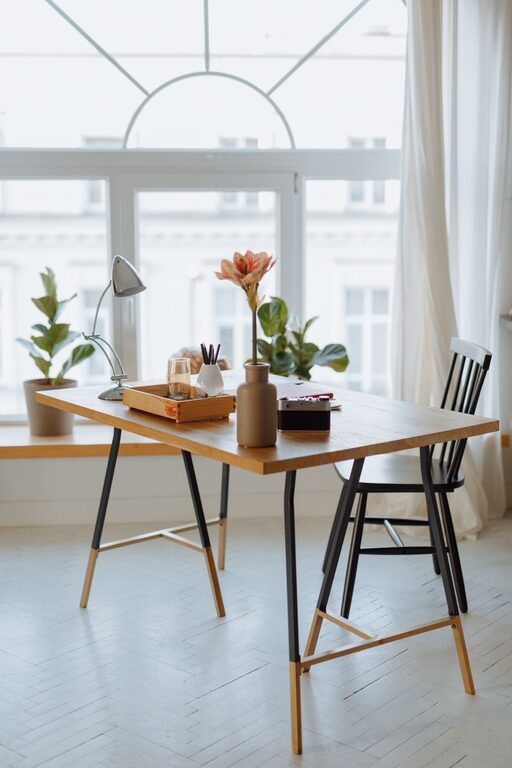
Select a spot in your home with plenty of natural light. Exposure to daylight helps boost mood and energy. If possible, choose a quiet area away from high-traffic zones to minimize distractions.
Think About Space and Privacy
Make sure your workspace has enough room for your desk, chair, and any equipment you need. If privacy is important, consider a separate room or use room dividers to create boundaries.
Invest in Comfortable Furniture
Ergonomic Chair
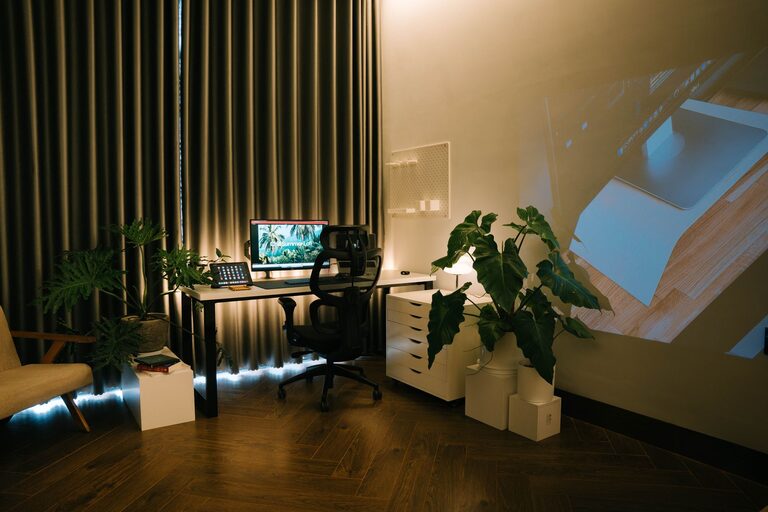
An ergonomic chair supports your posture and reduces strain during long hours of work. Look for adjustable features such as seat height, backrest angle, and lumbar support.
Functional Desk
Choose a desk that matches your workflow. It should have enough surface space for your computer, notebooks, and accessories. Standing desks or adjustable-height desks are great options for flexibility and movement throughout the day.
Organize Your Workspace
Declutter Regularly
Keep your workspace tidy by removing unnecessary items. A clutter-free area helps you stay focused and reduces stress.
Storage Solutions
Use shelves, drawers, or desktop organizers to store office supplies and important documents. Label containers to make finding things easy and fast.
Personalize Your Space
Add Personal Touches
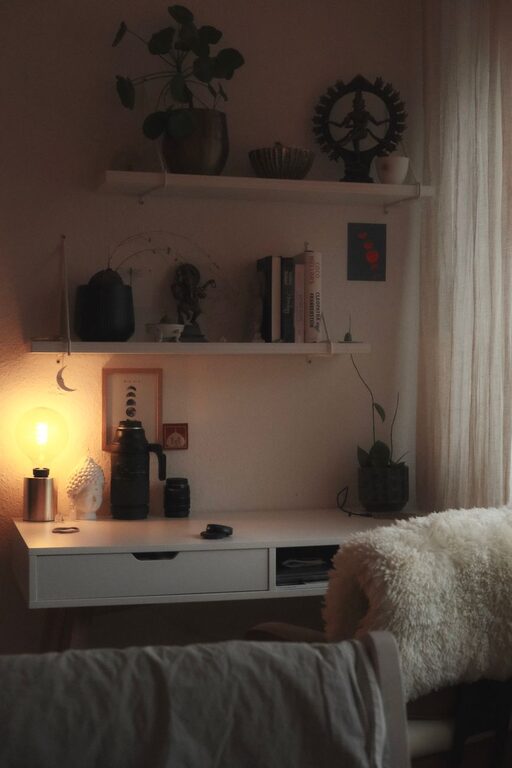
Incorporate elements that make you feel comfortable and happy. This could be photos, art, plants, or decorative items that inspire creativity.
Soothing Colors and Textures
Choose calming colors like soft blues, greens, or neutrals for walls and decor. Comfortable textures such as a cozy rug or cushions can make your workspace feel more inviting.
Ensure Proper Lighting
Combine Natural and Artificial Light
Natural light is ideal, but supplement it with adjustable desk lamps or overhead lighting to reduce eye strain, especially during evenings or cloudy days.
Position Your Screen to Avoid Glare
Arrange your computer and desk to minimize glare from windows or lights. This will help prevent headaches and improve visibility.
Optimize Technology and Connectivity
Reliable Internet
A strong and stable internet connection is crucial. Place your router close to your workspace or use a wired connection if possible.
Quality Equipment
Invest in a good monitor, keyboard, and mouse that suit your needs. Accessories like a headset or webcam can enhance video calls and communication.
Create a Routine and Boundaries
Define Work Hours
Set clear start and end times for your workday to maintain a healthy work-life balance.
Use Your Workspace Exclusively for Work
Avoid blurring the lines by reserving your home office area strictly for professional tasks. This helps your brain separate work and relaxation zones.
Incorporate Break and Relaxation Areas
Take Short Breaks
Stand up, stretch, or take a brief walk during the day to refresh your mind.
Add a Comfortable Chair or Corner
If space allows, include a small couch or armchair nearby where you can relax during longer breaks.
Maintain Good Air Quality
Ventilation
Ensure your workspace has good airflow. Open windows regularly or use air purifiers to keep the environment fresh.
Include Indoor Plants
Plants improve air quality and add a touch of nature, which can reduce stress and increase focus.
—
Creating a cozy and functional home workspace takes some planning, but the benefits for your productivity and comfort are well worth it. By carefully choosing your location, investing in comfortable furniture, personalizing your space, and organizing effectively, you can build an environment that supports your best work every day. Remember, your workspace should feel like a place you enjoy spending time in—not just a spot to get things done.